What would you like to improve most?
Choose one or more priorities and AI will focus on them.

AI-powered website builder
Create a modern version of your website in 10 minutes with artificial intelligence. uKit AI transfers your content, improves the structure, and prepares a project you can continue editing in uKit's visual website builder.
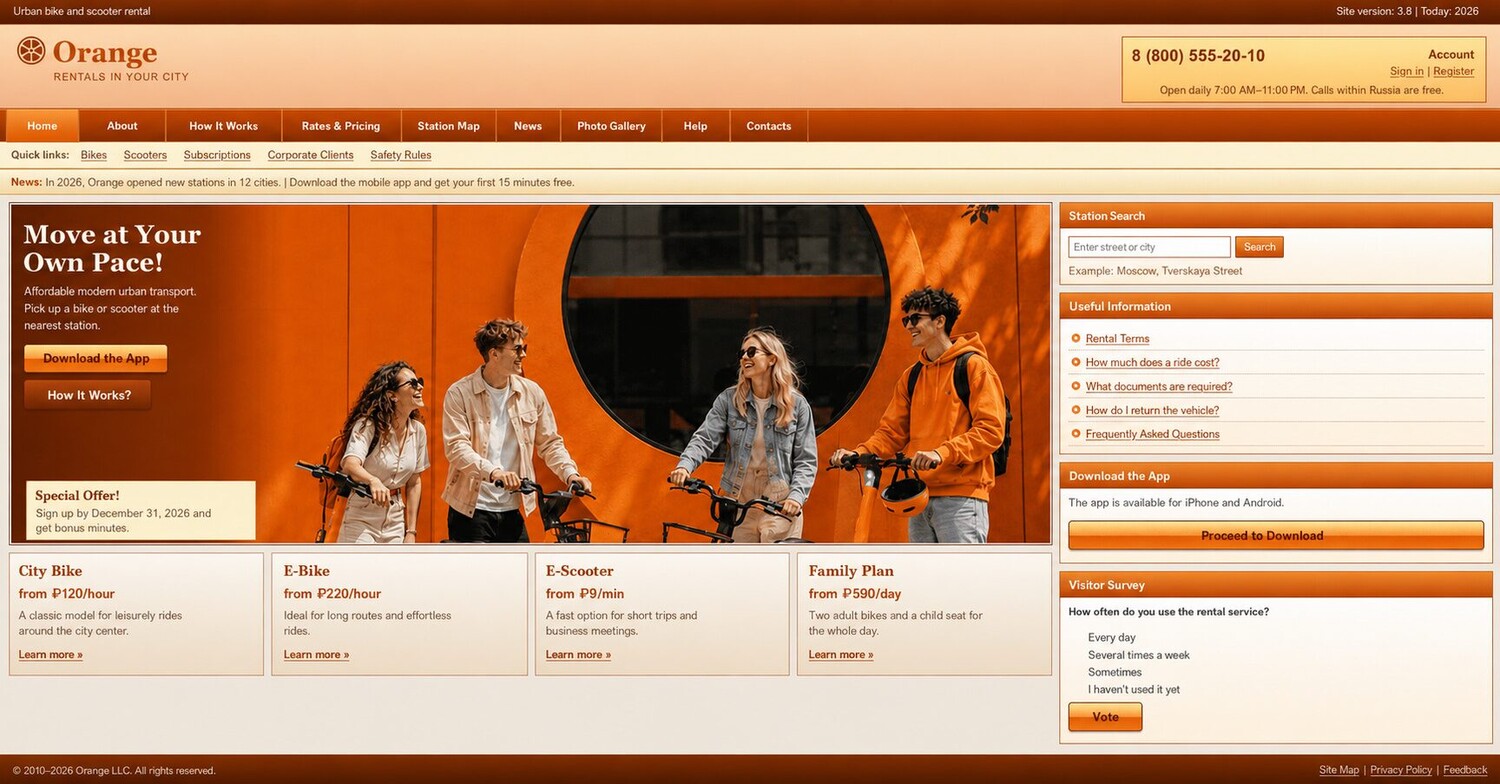 Current website
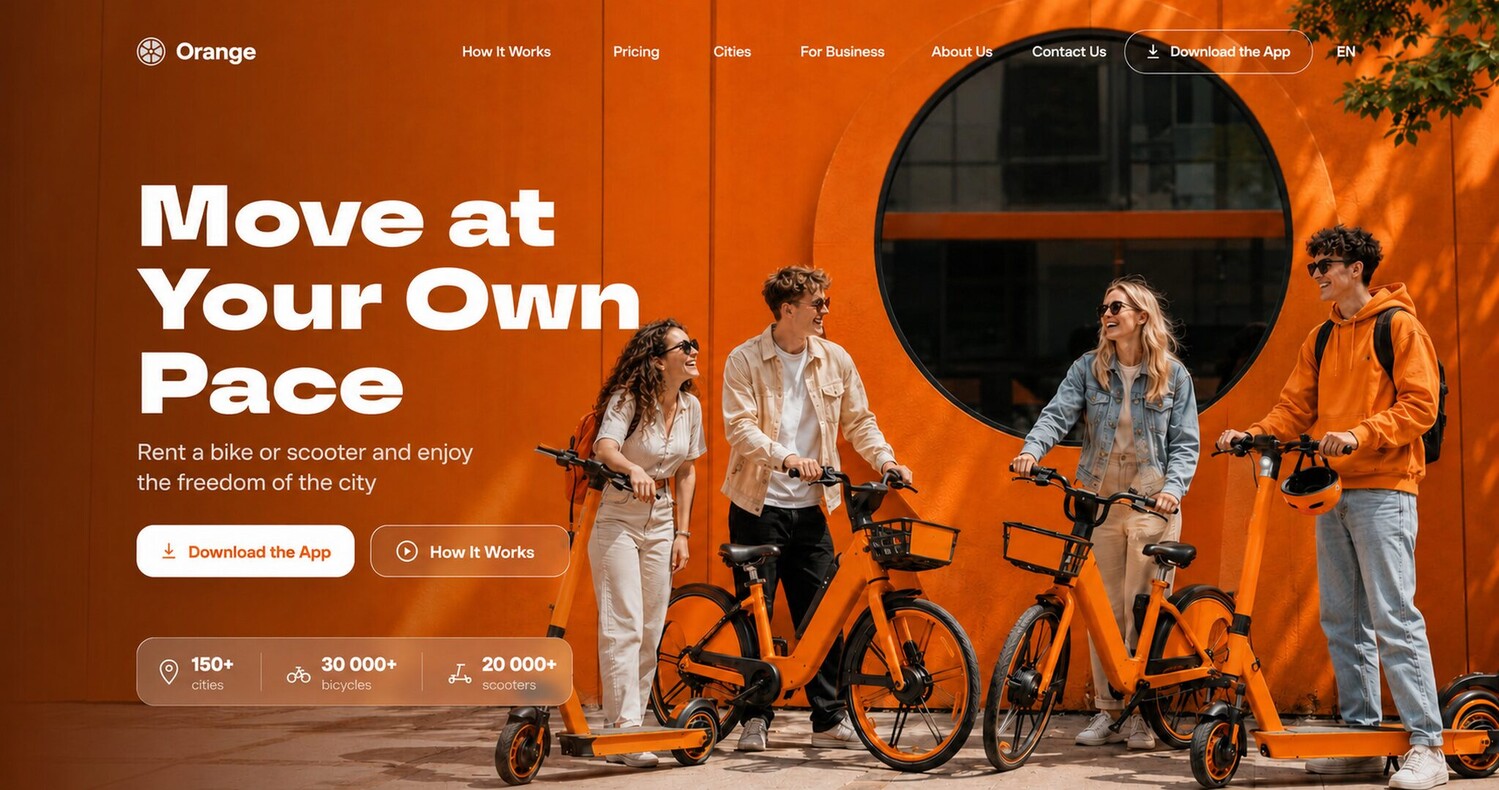 uKit AI version
How it works
Share a link to your old website and uKit AI will build a new version that is easy to edit, publish, and improve.
Give uKit AI a link to your existing website and let the system collect the source content.
Tell AI what should be preserved, improved, or emphasized in the new version.
See how your website can look today on desktop and mobile devices.
Fine-tune the website in uKit's visual builder and publish it on your own domain.
A short brief instead of a long specification
These sample questions help AI preserve what matters and tailor the new version to your business goals.
Start the questionnaireChoose one or more priorities and AI will focus on them.
AI will account for the main reason people visit it.
Choose a direction that best fits your business.
AI will select a palette for your brand. You can change it later.
What you get
AI-powered website migration starts with your existing materials and ends with a project you can edit without code.
Copy, images, sections, and important information move into the new structure.
Page URLs and their search value are considered when preparing the migration.
The new version adapts to mobile screens and modern browsing habits.
After migration, your website opens in uKit's visual builder for further work.
About the technology
Articles about generative design, automated redesign, and artificial intelligence in website creation.
The essentials
Yes. uKit AI analyzes your existing website, transfers its materials, and builds a modern version on the uKit platform.
You can transfer them without changes or ask AI to improve the copy, structure, and missing content sections.
The migration accounts for your pages, their content, and search value. Before publishing, you can review URLs and configure the necessary redirects.
Yes. The result opens in uKit's visual builder, where you can change copy, sections, images, colors, and structure without coding.
Start with your current website URL
Get a modern version, keep the content that matters, and continue growing your project on uKit.